
Aging In Place: We're All In It Together
Capitol Hill Village helps neighbors live with independence, dignity, and joy in the community they love.
Capitol Hill Village was established in 2007 by a group of neighbors who wanted to ensure they could remain on Capitol Hill, their home, as they aged. We are proud to have served Capitol Hill residents for almost 20 years and look forward to another 20!
About Capitol Hill Village
What is a Village?
Villages are membership-based organizations that help older adults live independently in their own homes and communities. We connect neighbors to services, social activities, and each other.
Capitol Hill Village is part of a national movement of nearly 300 villages across the country, all working to support aging in place with dignity and connection.
What does Capitol Hill Village do?
Through our volunteer-first mission, we engage neighborhood residents, including older adults, to support one another to improve our community and live fulfilling lives.
We also provide case management, and social, educational, and wellness programming. 90% of our activities and programs are designed and coordinated by members and volunteers and most are free and open to the public.
Equitable Access Statement
Capitol Hill Village is dedicated to equity and access for all community members. If you are interested in Capitol Hill Village services and need translation, please send an email to info@capitolhillvillage.org stating your name, email, and phone number.
Capitol Hill Village se dedica a la equidad y el acceso para todos los miembros de la comunidad. Si está interesado en los Servicios de Capitol Hill Village y necesita traducción, envíe un correo electrónico a info@capitolhillvillage.org indicando su nombre, correo electrónico y número de teléfono
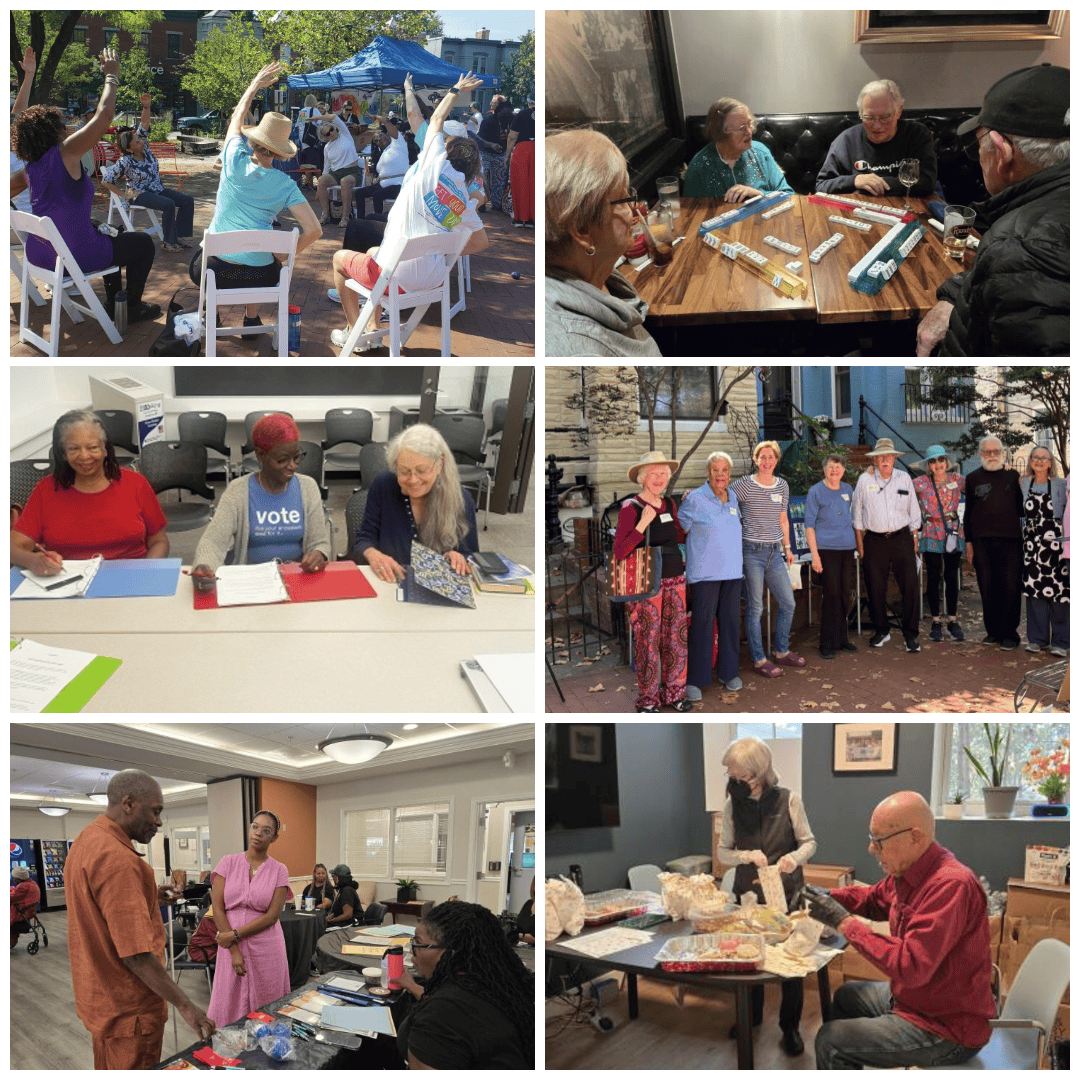
Village Life in Action
Connect & ExploreFrom Audio Book Club to Opera Society, Mahjong to Petanque. Choose your adventure! Join member and volunteer-led activities happening every week.
Learn TogetherVillage Voices lecture series, Getting Your Papers In Order, travel training, and more.
Get SupportNeed a ride to the doctor? Help with tech? Someone to organize your garage? Our volunteers are here to help!
Stay ActiveYoga, Tai Chi, walking groups, and kayaking. Move at your own pace!
Ready to Join Our Community?
Whether you're looking for support, want to give back, or simply want to connect with neighbors, there's a place for you at Capitol Hill Village.